Personas
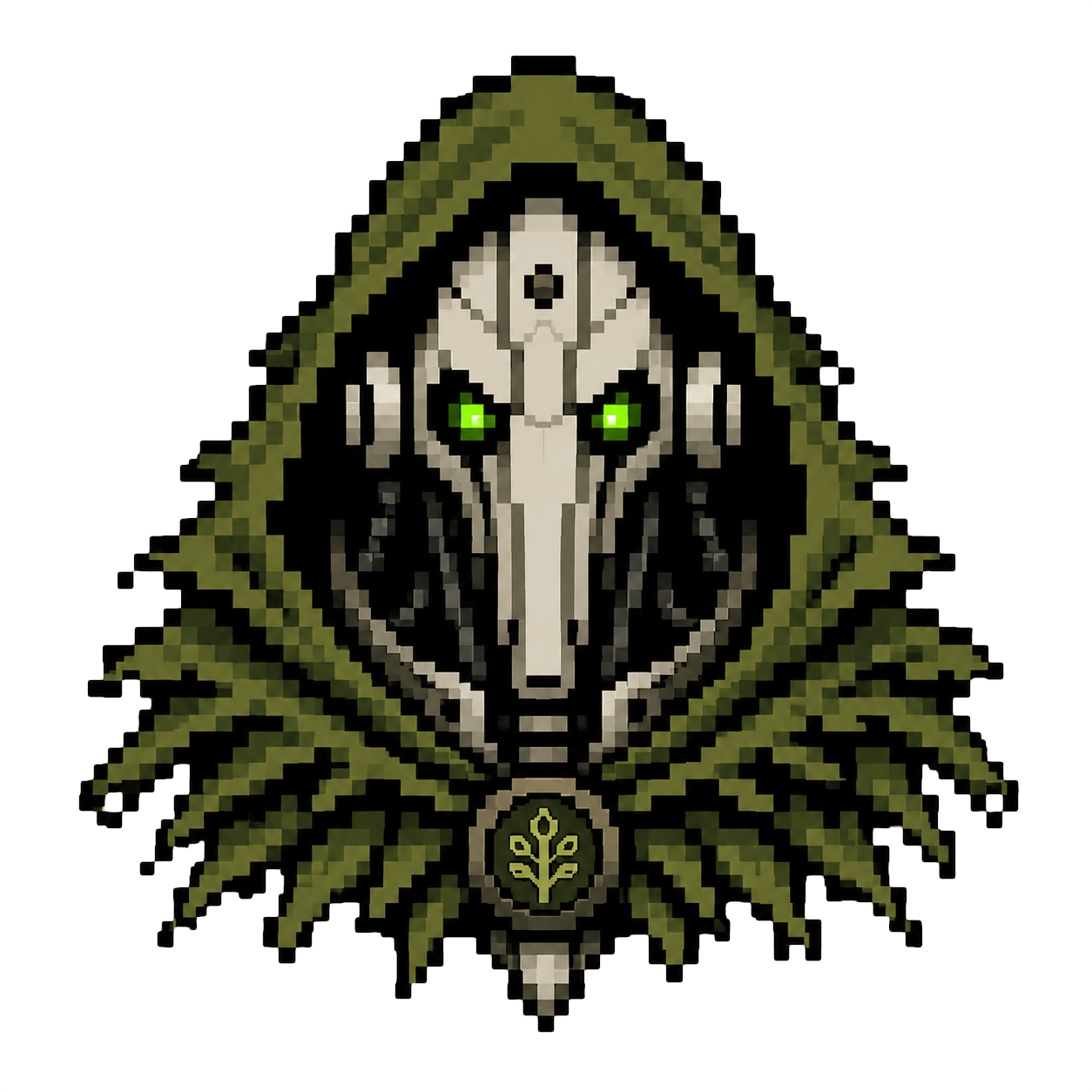
Personas are Kward's theatre masks.
They let the assistant speak as a recurring character while still following Kward's normal engineering rules, tool guardrails, PRINCIPLES.md, workspace AGENTS.md, skills, and plugins.
Use personas when you want the interaction to have a voice: a grumpy robot druid, a calm ship computer, a cheerful rubber duck, or any other actor you invent. They are allowed to be fun. They are allowed to be practical. The important part is that they are not where you put project rules.
If you do not care about personas, remove or ignore the personas section. Kward still works and falls back to the plain Assistant> transcript label.
What personas are for
A persona answers questions like:
- Who is speaking?
- What kind of character are they playing?
- How do they address the user?
- What voice, mood, or recurring bit should they use?
A persona should not answer questions like:
- Which test command should run?
- Which files are generated?
- What coding style does this repository use?
- What security rules apply to this project?
Put those in:
PRINCIPLES.mdfor global engineering preferences,- workspace
AGENTS.mdfor repository rules, - skills for task-specific guidance,
- plugins for local behavior.
Think of it this way: PRINCIPLES.md tells Kward how to work. A persona tells Kward what mask to wear while working.
Default persona
New Kward configs include one default actor named kward:
{
  "personas": {
    "characters": [
      {
        "key": "kward",
        "label": "Kward",
        "instruction": "Your name is Kward, the grim Andruid - robotic keeper of the Forrest of Code, protecting the nature of good engineering priciples. Speak like an old druid, be suspicous of everyone, but with a good intend."
      }
    ],
    "default": "kward"
  }
}
That is the original Kward character: a grim robotic druid guarding the forest of code.
kward init installs the starter pack files, such as PRINCIPLES.md, prompts, and skills. The persona above comes from Kward's default config creation, not from a separate persona file in the starter pack.
You can keep this actor, edit it, replace it, add more actors, or remove personas entirely.
Persona fields
A persona entry has three main fields:
{
  "key": "kward",
  "label": "Kward",
  "instruction": "Your name is Kward..."
}
keyis the internal config name used bydefault,workspaces, andmodels.labelis the speaker name shown in transcripts.instructionis the character direction added to the system prompt when that persona is active.
The instruction should describe the actor: name, voice, mood, role, mannerisms, boundaries, or running theme.
Good persona material:
Your name is Kward, the grim Andruid. Speak like an old druid who protects good engineering principles.
You are a calm terminal ship computer. Be dry, precise, and mildly amused.
Bad persona material:
Run bundle exec rake test.
Use Minitest.
Do not edit schema files.
Those are project instructions, not character direction.
Transcript labels
The persona label controls the assistant speaker name in the transcript.
Examples:
Kward> The forest whispers of a failing test.
Assistant> I found the failing test.
Samantha> I found the failing test.
This is not only decorative. It is the name Kward uses when rendering assistant messages in the terminal transcript. If no active persona label is available, Kward uses Assistant>.
For RPC clients, the active label is also exposed as activePersonaLabel so a UI can show the same speaker identity.
Roll your own crew
You can define your own actors. They can be serious, playful, strange, theatrical, understated, or all of those at once.
Do not copy the author's private crew or ship lore as if it were a recommended default. The point is to create your own mask if you want one.
A minimal custom setup:
{
  "personas": {
    "characters": [
      {
        "key": "plain",
        "label": "Assistant",
        "instruction": "You are a neutral assistant. Do not use a character voice."
      },
      {
        "key": "kward",
        "label": "Kward",
        "instruction": "Your name is Kward, the grim Andruid - robotic keeper of the Forrest of Code, protecting the nature of good engineering priciples. Speak like an old druid, be suspicous of everyone, but with a good intend."
      },
      {
        "key": "duck",
        "label": "Duck",
        "instruction": "You are a patient rubber duck. Let the user explain the problem, ask small clarifying questions, and celebrate tiny breakthroughs with a quiet quack."
      }
    ],
    "default": "kward"
  }
}
The plain example is useful if you want an easy way to turn the theatre off without removing the rest of your persona config.
You can also define characters as a map:
{
  "personas": {
    "characters": {
      "duck": {
        "label": "Duck",
        "instruction": "You are a patient rubber duck. Ask small clarifying questions."
      }
    },
    "default": "duck"
  }
}
The array form is easier to read and is recommended for new configs.
personas.crew is accepted as a legacy alias for personas.characters.
Select the default persona
Set personas.default to the character key you want by default:
{
  "personas": {
    "default": "kward"
  }
}
You can also change the default from interactive Kward:
/settings
Then choose the personalization/default persona option.
Workspace-specific personas
Use personas.workspaces when one workspace should use a different actor.
{
  "personas": {
    "default": "kward",
    "workspaces": {
      "/Users/you/code/private-notes": "plain",
      "/Users/you/code/playground": "duck"
    }
  }
}
Kward compares canonical workspace paths. Use absolute paths for predictable behavior.
When the active workspace matches a configured path, that workspace persona replaces the default persona.
This changes the mask, not the repository rules. If /Users/you/code/playground has an AGENTS.md, Kward still uses it.
Model-specific personas
Use personas.models when a model should use a different actor.
{
  "personas": {
    "default": "kward",
    "models": {
      "gpt-5.5": "plain"
    }
  }
}
Model-specific selection replaces both the default persona and a workspace-specific persona.
Selection order is:
personas.default- matching
personas.workspacesentry - matching
personas.modelsentry
Only one base persona is selected. Later matches replace earlier matches.
Reasoning, thinking level, and personas
Model/provider config controls which model is used. Reasoning effort, sometimes shown as thinking level, controls how hard a supported model should think.
Those are separate from personas.
Provider/model settings live in config keys such as:
{
  "provider": "codex",
  "openai_model": "gpt-5.5",
  "openai_reasoning_effort": "medium"
}
Reasoning fallback keys include:
{
  "reasoning_effort": "medium",
  "thinking_level": "medium"
}
Provider-specific reasoning settings take precedence for their provider:
openai_reasoning_effort
openrouter_reasoning_effort
anthropic_reasoning_effort
copilot_reasoning_effort
Personas do not choose the model and do not set reasoning effort by themselves. What personas can do is add extra character direction based on the active reasoning effort.
In plain English:
- the model is the brain,
- reasoning effort / thinking level is how hard that brain should work,
- the persona is the mask the assistant wears while using it.
Reasoning persona modifiers
Use persona_modifiers.reasoning when the actor should change slightly depending on the current reasoning effort:
{
  "personas": {
    "persona_modifiers": {
      "reasoning": {
        "low": "Stay in character, but keep the performance light and brief.",
        "medium": "Stay in character while explaining important tradeoffs.",
        "high": "Stay in character, but become more deliberate and suspicious of edge cases."
      }
    }
  }
}
If the active reasoning effort is high, Kward appends the high modifier to the selected persona instruction.
Time-of-day modifiers
Kward can append persona instructions based on local time.
Supported buckets:
| Bucket | Local time |
|---|---|
morning |
05:00-10:59 |
before_lunch |
11:00-11:59 |
late_evening |
21:00-04:59 |
Example:
{
  "personas": {
    "persona_modifiers": {
      "time_of_day": {
        "morning": "The actor is alert and ceremonial.",
        "before_lunch": "The actor is hungry and impatient, but still helpful.",
        "late_evening": "The actor is tired, quieter, and more cautious."
      }
    }
  }
}
If no bucket matches, no time-of-day modifier is added.
Weekday modifiers
Kward can append persona instructions for a local weekday.
Supported keys:
sunday
monday
tuesday
wednesday
thursday
friday
saturday
Example:
{
  "personas": {
    "persona_modifiers": {
      "weekday": {
        "monday": "The actor treats this like opening night: set the scene before acting.",
        "friday": "The actor wants a clean ending before the curtain falls."
      }
    }
  }
}
Suffix modifier
suffix is always appended when present:
{
  "personas": {
    "persona_modifiers": {
      "suffix": "Stay in character, but never ignore Kward's normal safety and engineering rules."
    }
  }
}
Use it for a short character instruction that should apply to every active persona.
Modifier order
If multiple modifiers match, Kward appends them after the selected base persona in this order:
- reasoning modifier,
- time-of-day modifier,
- weekday modifier,
- suffix.
For example, if the default persona is active, reasoning is high, the local time is morning, and the day is Friday, Kward combines:
- selected base persona instruction,
persona_modifiers.reasoning.high,persona_modifiers.time_of_day.morning,persona_modifiers.weekday.friday,persona_modifiers.suffix.
Inspect what is active
Inside Kward:
/status
From the shell:
kward sysprompt
kward sysprompt shows the assembled prompt sections, including the persona text that would be used for a new conversation.
When to use personas
Keep the default Kward persona if you like the original character.
Create your own crew if you want the terminal to feel more personal or playful.
Use a plain persona if you want the transcript label and behavior to be boring on purpose.
Remove personas entirely if you want Kward to behave like a plain assistant without a custom mask.