ruact
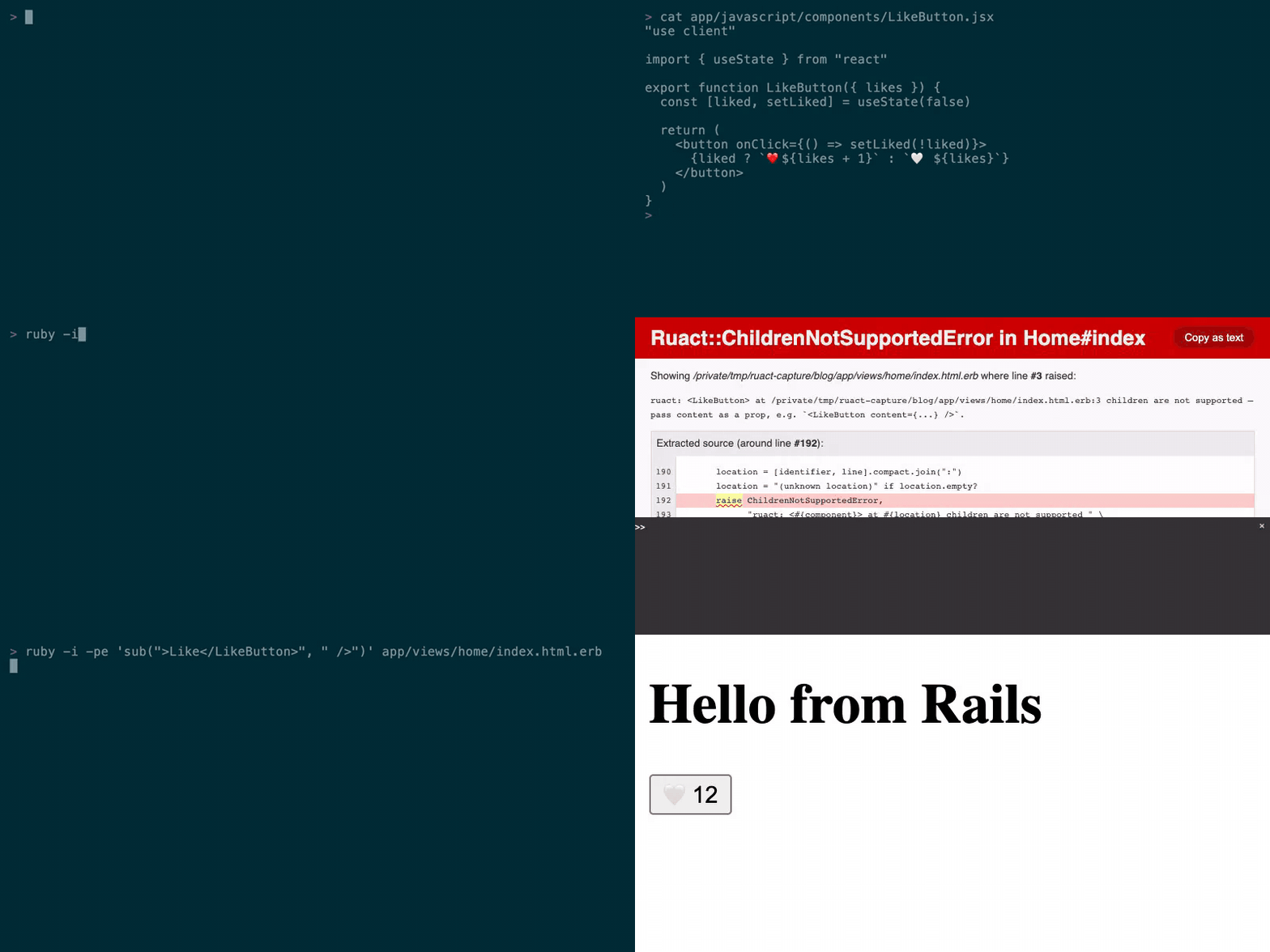
Real React, right in your Rails views. Write <LikeButton likes={@likes} /> in an ERB template and a React component renders, with a Ruby value passed straight in — no hand-written JSON layer, no Node process in production.



Quick start
# 1. A throwaway app to try it in
rails new myapp --skip-javascript && cd myapp

# 2. Add the gem
bundle add ruact

# 3. Write the config, the layout wiring and an AGENTS.md — then run npm install
rails generate ruact:install

# 4. Rails + Vite, one command
bin/dev
That is the whole install. The Getting Started guide picks it up from here — first component, first scaffold, ruact:doctor. Already have an app? Start at step 2, then read Progressive migration — ruact renders one action at a time and leaves the rest of your views alone.
How it works
<%# app/views/posts/show.html.erb %>
<PostCard post={@post} author={@author} />
// app/javascript/components/PostCard.tsx
"use client"

import { useState } from "react"

export function PostCard({ post, author }) {
  const [liked, setLiked] = useState(false)
  return (
    <article>
      <h1>{post.title}</h1>
      <p>by {author.name}</p>
      <button onClick={() => setLiked(!liked)}>
        {liked ? "Liked" : "Like"}
      </button>
    </article>
  )
}
Rails serializes @post and @author as Ruby values, sends the component tree as a Flight payload, and React hydrates it in the browser. No JSON ceremony, no duplicate routes, no Node.js in production.
Call Rails from React
Add one line to a controller and its routed non-GET actions become callable from React at their real routes:
class PostsController < ApplicationController
  include Ruact::Server   # ← the only new line

  def create
    @post = Post.create!(post_params)
    redirect_to @post
  end
  # ...
end
import { createPost } from "@/.ruact/server-functions";

await createPost({ post: { title: "Hi", body: "…" } });
The verb decides — there is no per-action DSL and no second endpoint. The export name is derived from the route (posts#create → createPost), and ruact's Vite plugin regenerates the module whenever your routes change. What the call resolves is decided by the action you already wrote: this one redirects, so ruact follows the redirect and the call resolves null; an action that assigns @post instead resolves { post: … }, through the same ruact_props allowlist as everything else. Reading works the same way: a Ruact::Query class mounted with ruact_queries draws one named GET route per public method, and React reads it with useQuery. Both are documented in Server functions & queries.
What you get
Every item below is shipped in this gem at v0.0.9:
- ERB as server components —
include Ruact::Controller, then use your components by name in the views you already have: capitalized is React, lowercase stays HTML. Docs "use client"— the one directive that marks a file as client-side. The bundled Vite plugin scans for it and writes the manifest. Docs- Server functions and queries —
include Ruact::ServerandRuact::Query+useQuery, both reachable through a typed module generated from your route table. Docs - Props are an allowlist —
include Ruact::Serializable+ruact_props :id, :title; other columns never cross. Docs - Validation errors round-trip —
ruact_errors(record)hands React{ title: ["can't be blank"] }without a serializer. Docs - Signed record references —
Ruact.signed_global_id(record, for:, expires_in:)out,Ruact.locate_signed(token, for:)back in; a tampered token is a400, not a lookup. Docs - Client-side navigation — link interception, scroll restoration and redirect-after-POST, derived from your Rails routes. Docs
- A CRUD generator —
rails generate ruact:scaffold Post title:string body:textdelegates the model, migration and route to Rails' ownresourcegenerator, then adds the ruact layer. Plain semantic HTML by default;--shadcnopts into the Tailwind/shadcn path. It does not run migrations —rails db:migrateis still yours. Docs bin/rails ruact:doctor— eight checks over the manifest, Vite, the layout and streaming; exits1when one fails. Docs- One runtime dependency —
nokogiri. Rails itself is not a declared dependency of this gem.
AI tools and coding agents
The only line you have to add to an AI-generated React component is "use client" at the top of the file. One thing to check rather than add: the component needs a PascalCase named export, because that name is the tag you write in ERB.
- Generate the component with whatever AI tool you already use.
- Save it as
app/javascript/components/MyComponent.tsx. - Add
"use client"at the top if it is not already there. - Call
<MyComponent />from ERB.
That is the whole adaptation, and it holds for any tool that outputs standard React components — nothing here is pinned to one vendor. The worked example, the traps and the real error messages are on AI Tools & Agents.
For agents driving the app rather than writing one component: rails generate ruact:install writes an AGENTS.md into your app, ruact.dev/llms.txt serves the same context to tools that fetch from the web, and bin/rails ruact:doctor -- --json / bin/rails ruact:routes -- --json emit machine-readable output (experimental — schema_version: 0, and the -- separator is required).
Compatibility
| Version | Where that comes from | |
|---|---|---|
| Ruby | >= 3.2 | the gemspec's required_ruby_version |
| Rails | tested against 7.0, 7.1, 7.2 and 8.0 | every commit runs the full CI matrix; the gemspec sets no Rails bound |
| React | 19.x | the package.json the install generator writes |
| Node.js | >= 20 | the build only — ruact runs no Node process in production |
Documentation
Everything lives at ruact.dev:
- Getting Started — from
rails newto a rendered component - Why ruact? — where it sits next to Hotwire and Inertia
- Server functions & queries — the full request/response contract
- Progressive migration — adopting it one action at a time
- Testing — render assertions on the server side
- Changelog — also published at ruact.dev/docs/changelog
Contributing
Bug reports and pull requests are welcome at github.com/luizcg/ruact/issues.
Release process: RELEASING.md. Security policy and private reporting: SECURITY.md.
License
MIT — see LICENSE.txt.